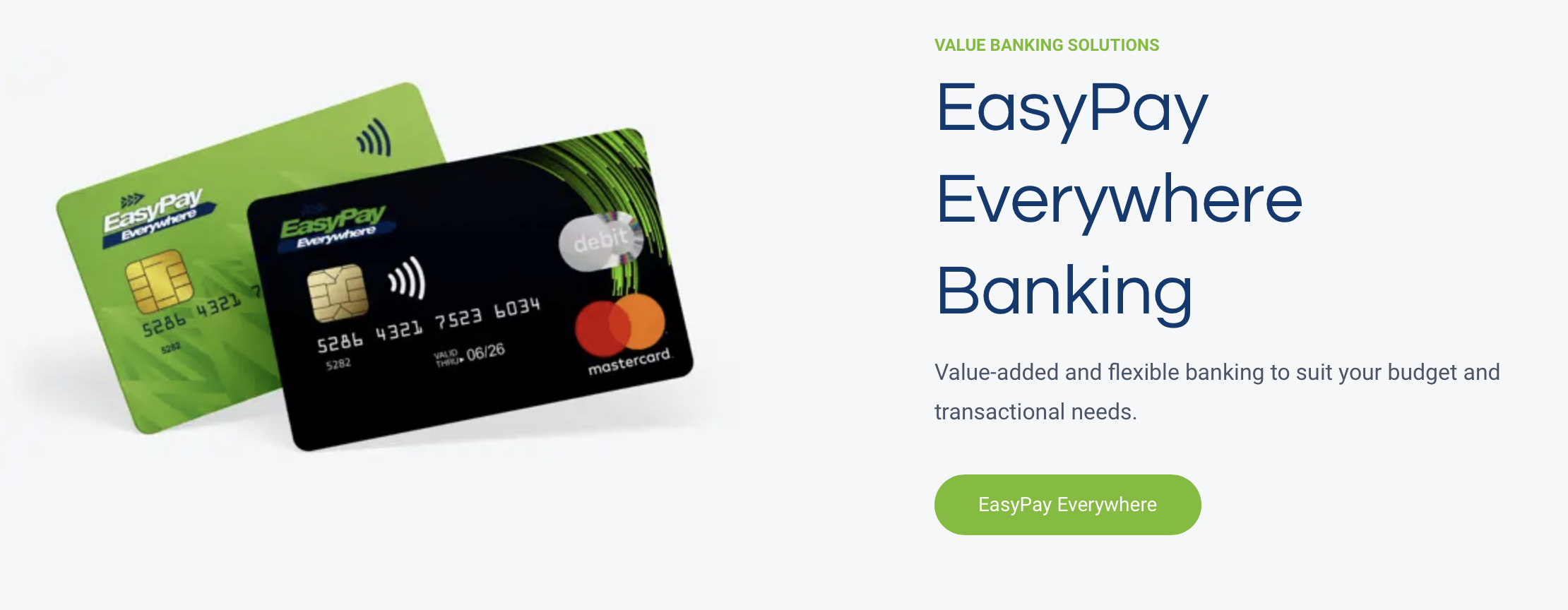
EasyPay Everywhere(EPE) is one of our API clients. This means that they sell Kazang VAS products on their banking app and via the USSD string linked to the banking app. Well, at this point they only sell our pin-less data (direct data), but that may change in the future.
Kazang and EPE support would need to collaborate to some extent, because when their clients or partners escalate queries to them, they would in turn need to escalate those to us because the pin-less data was purchased through their banking app USSD from Kazang and, as such, the transaction can be found on Content Ready and needs to be escalated following our pre-existing escalation flows for each respective product.
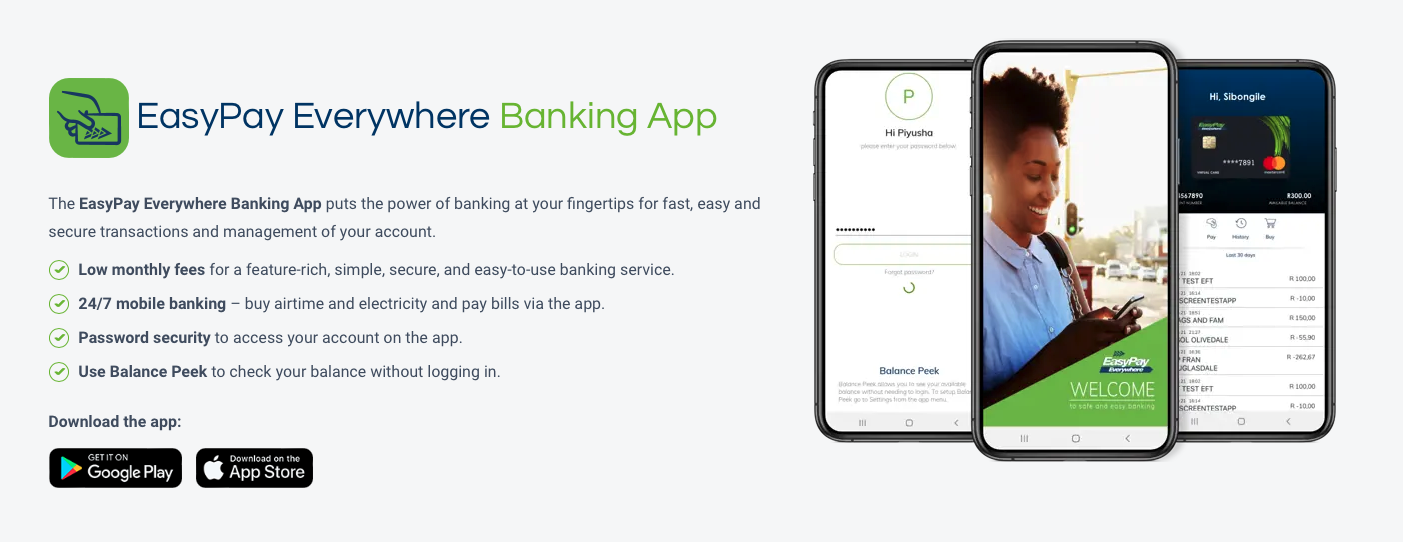
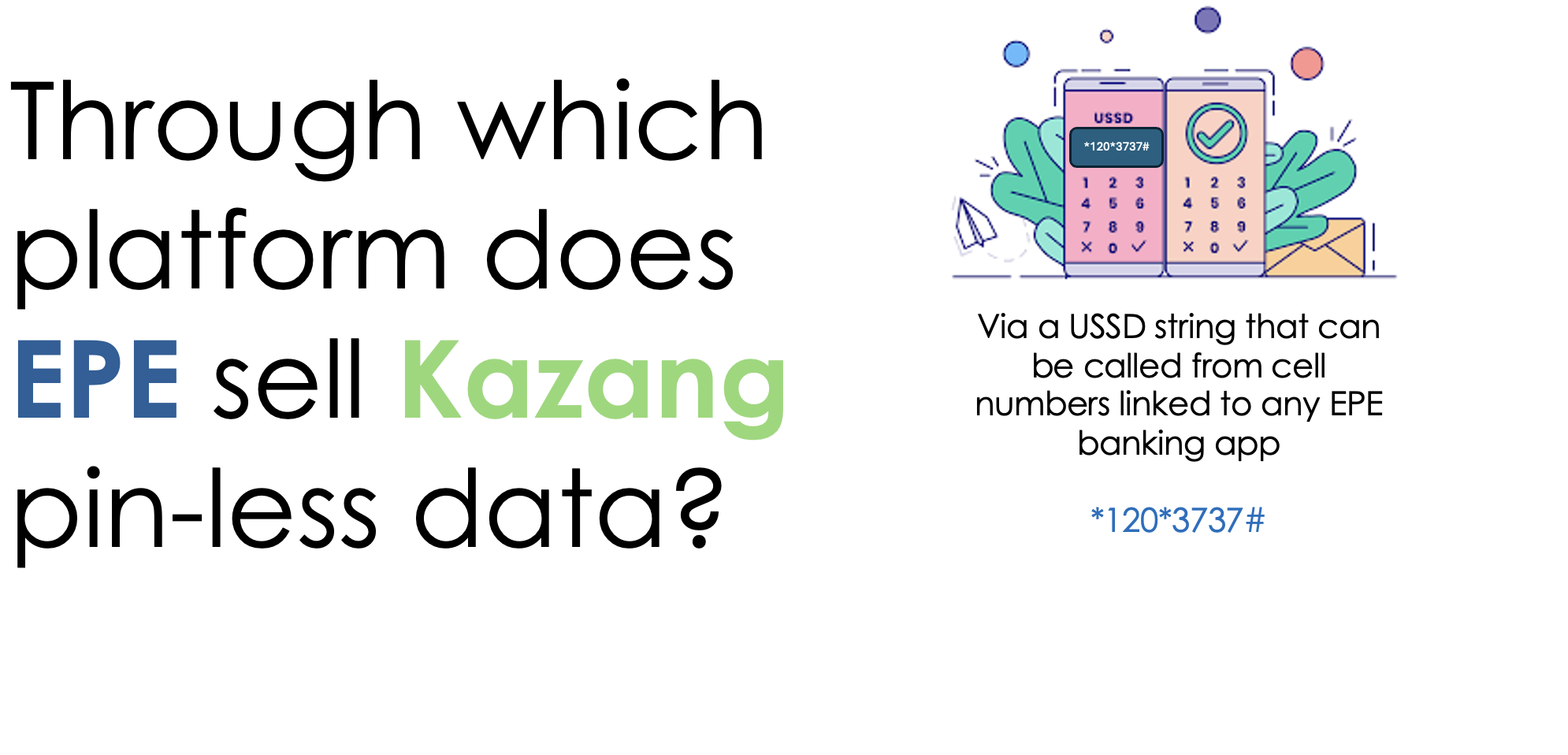
When Kazang vendors process a transaction for pin-less data from their Kazang device, and the end user does not receive the data then they would contact Kazang customer service. In that same way, when Easy Pay Everywhere customers purchase pin-less data via the USSD string linked to their banking app, that data is also purchased from Kazang in the back end and returned to the Easy Pay Everywhere customer. The only difference is that they would call Easy Pay Everywhere, instead of Kazang. Below we discuss the process to assist them with these queries.

1. EPE would receive a query from one of their bank app users reporting that they have not received their data.
2. EPE would check where the data was retrieved from and find that it was purchased through the Kazang API.
3. EPE would escalate the query to priority@kazang.com with the following:
- Service Provider
- Data value (Denomination)
- Time of transaction
- Date of transaction
4. The Kazang Level 2 team manages the priority queue and will receive the ticket. To locate the transaction using the details provided, they will search for the API Account on Content Ready that belongs to EPE. That account number is 8030138061
5. Once the account has been opened, search for the transaction in question in the detailed transaction history for the mentioned account.
6. Once you have located the transaction using the date, time, value and service provider you will escalate the serial number of that transaction as per our normal direct data escalation process.
7. Once you have received feedback, you will respond to EPE on the ticket and change the ticket status according to the outcome of the query, after classifying it accordingly.

Was this article helpful?
That’s Great!
Thank you for your feedback
Sorry! We couldn't be helpful
Thank you for your feedback
Feedback sent
We appreciate your effort and will try to fix the article