FreshDesk Overview:
FreshDesk is a Ticketing System used to receive and respond to clients and keep a record of queries that are sent to your business.
This guide is to assist you with creating, commenting, forwarding tickets as well as other features.
Dashboard:
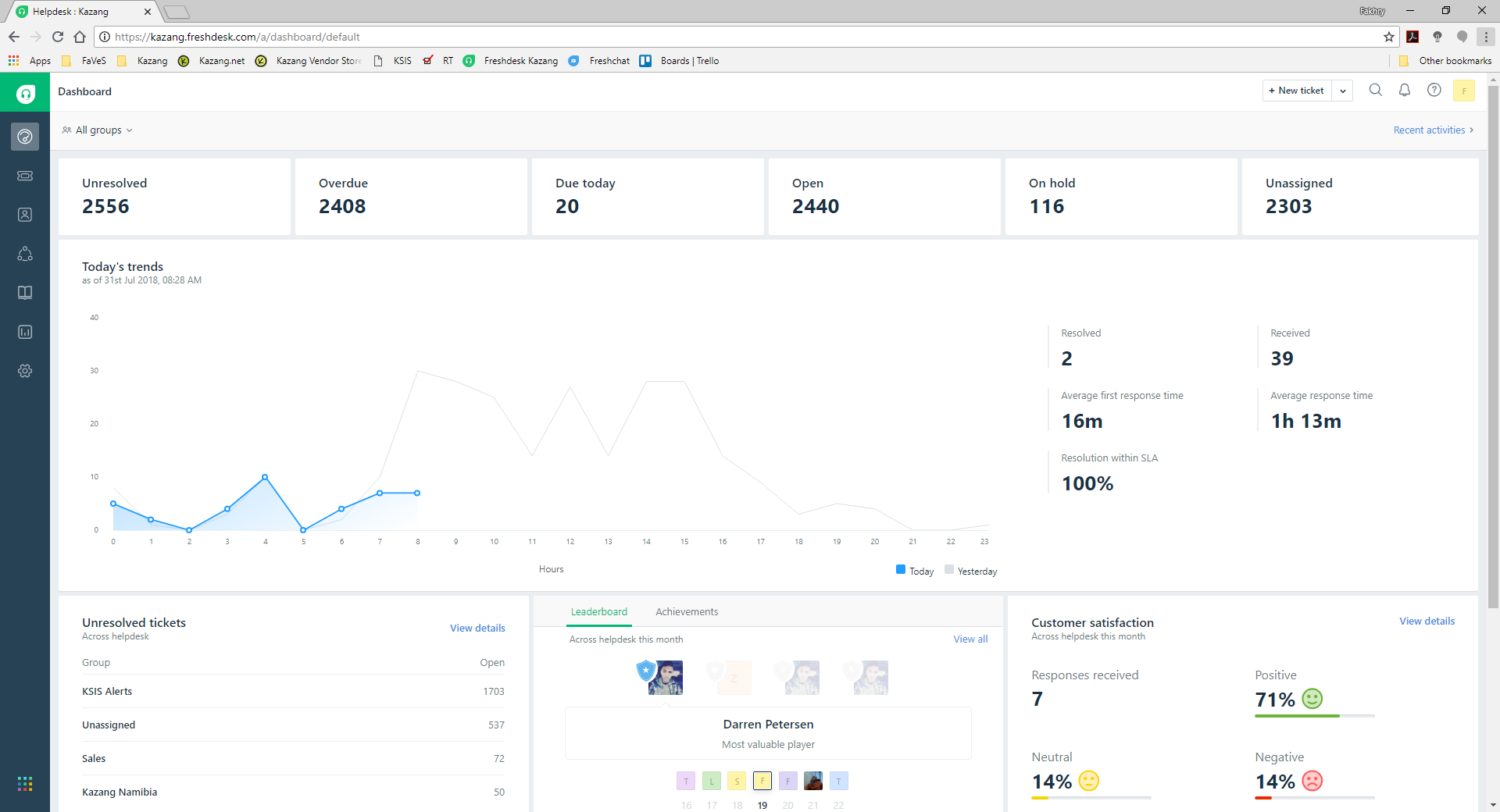
This page is a summary of all tickets currently OPEN, RESOLVED, CLOSED, etc.
Tickets:
This is where all tickets can be viewed in various views using filters.
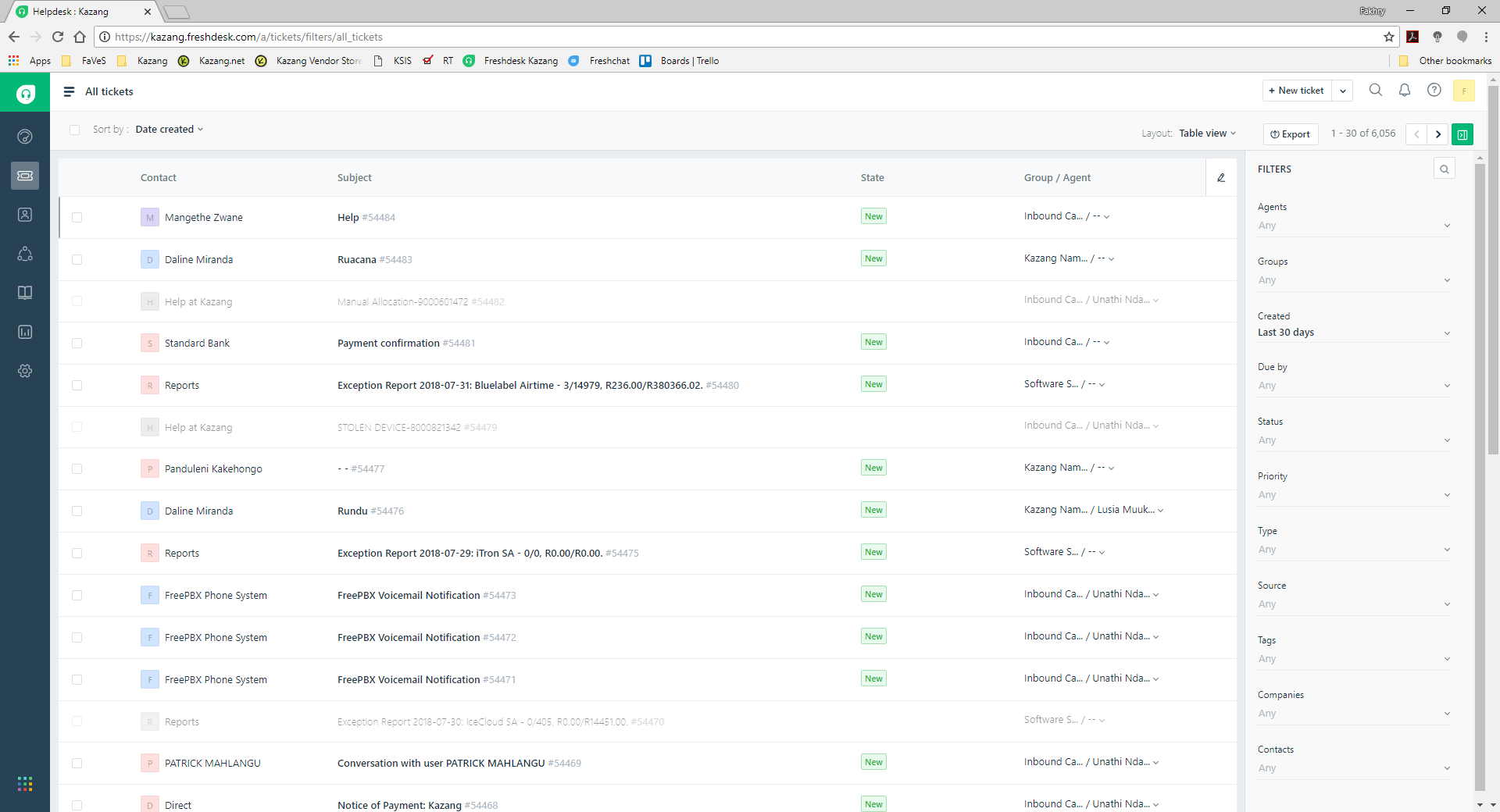
Here you will find all the tickets, but you are able to filter the list by Agent, Group, Created Date, Due By, Priority, Type, Source, Tags, etc.
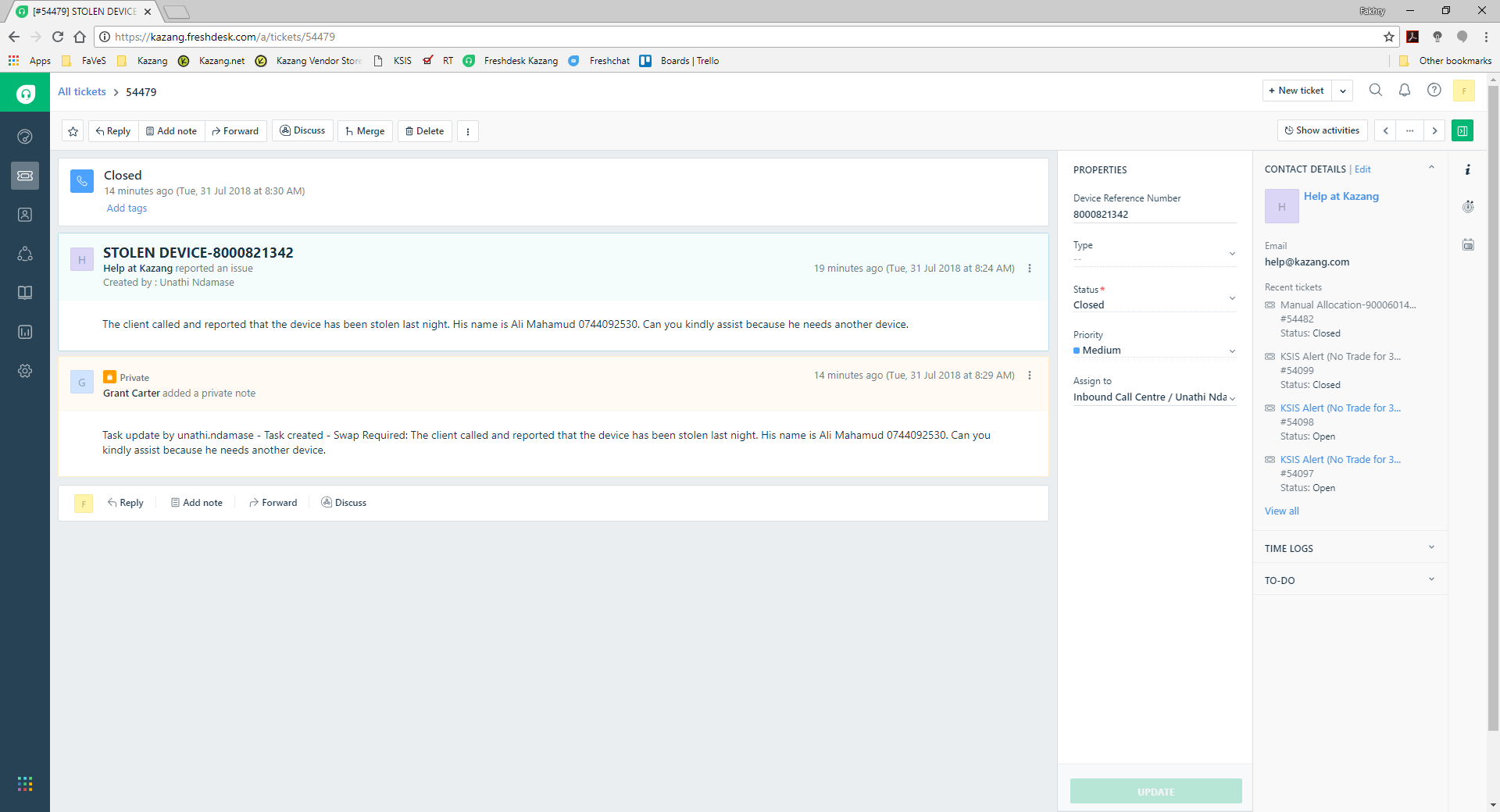
Once you click and open a ticket, you are presented with the above screen. Here you can do many things:
- Reply / Forward / Add Note / Discuss
- View Requestor Info
- Ticket Properties
Contact Details Info:
Here you can see the requestors email address as well as a quick link to any recent tickets from this user.
Ticket Properties:
You can change the status of the ticket (OPEN, PENDING, RESOLVED, CLOSED), the priority (LOW, URGENT), Source, Type. More importantly you can change the group to another and Agent.
Canned Responses:
Canned Responses are predefined reply templates which can be used to quickly send out replies to tickets.
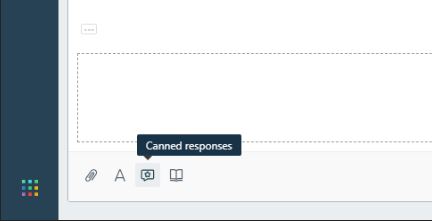
When REPLYING to a customer, on the reply screen you can click on the INSERT CANNED RESPONSE icon
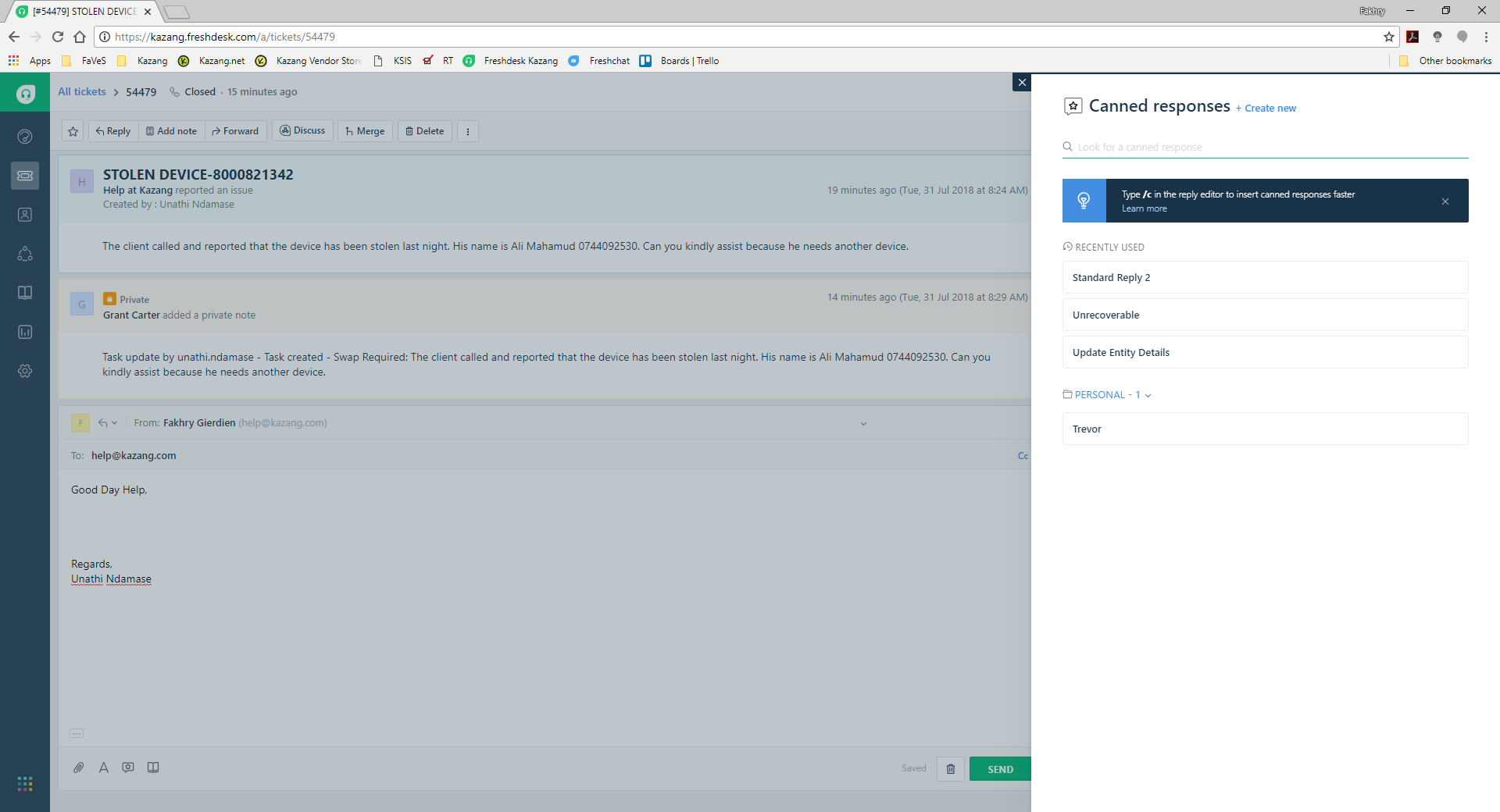
You are then presented with options to pick a canned response that is applicable to a specific query. Select one and a pre-defined response will populate on the reply.
Solutions:
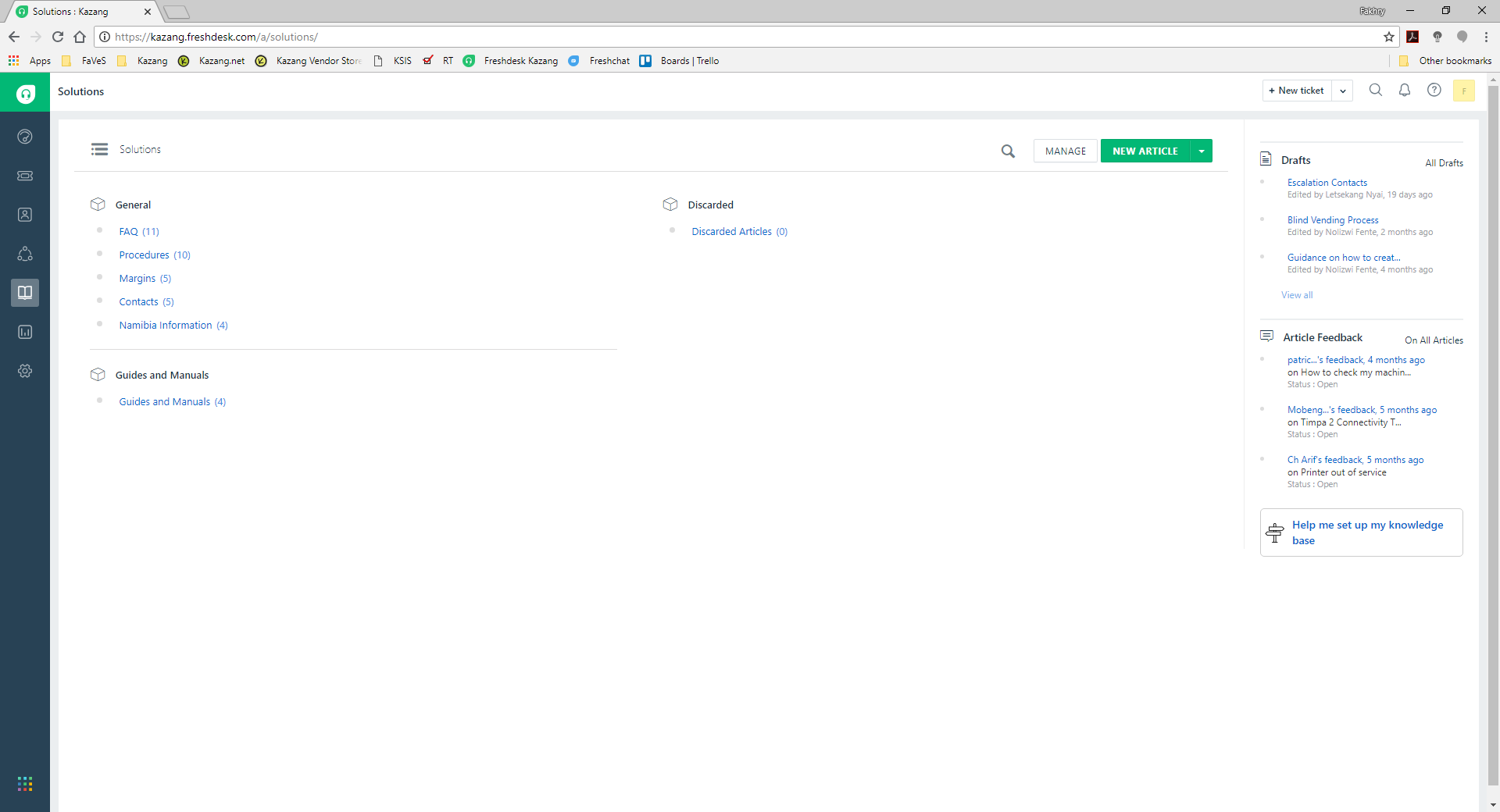
FAQ’s and How-to-guides can be created and stored here for employees as well as customer to view.
Customers:
Here is where you will find the details of all your clients that have contacted you. I.e. Raised a ticket
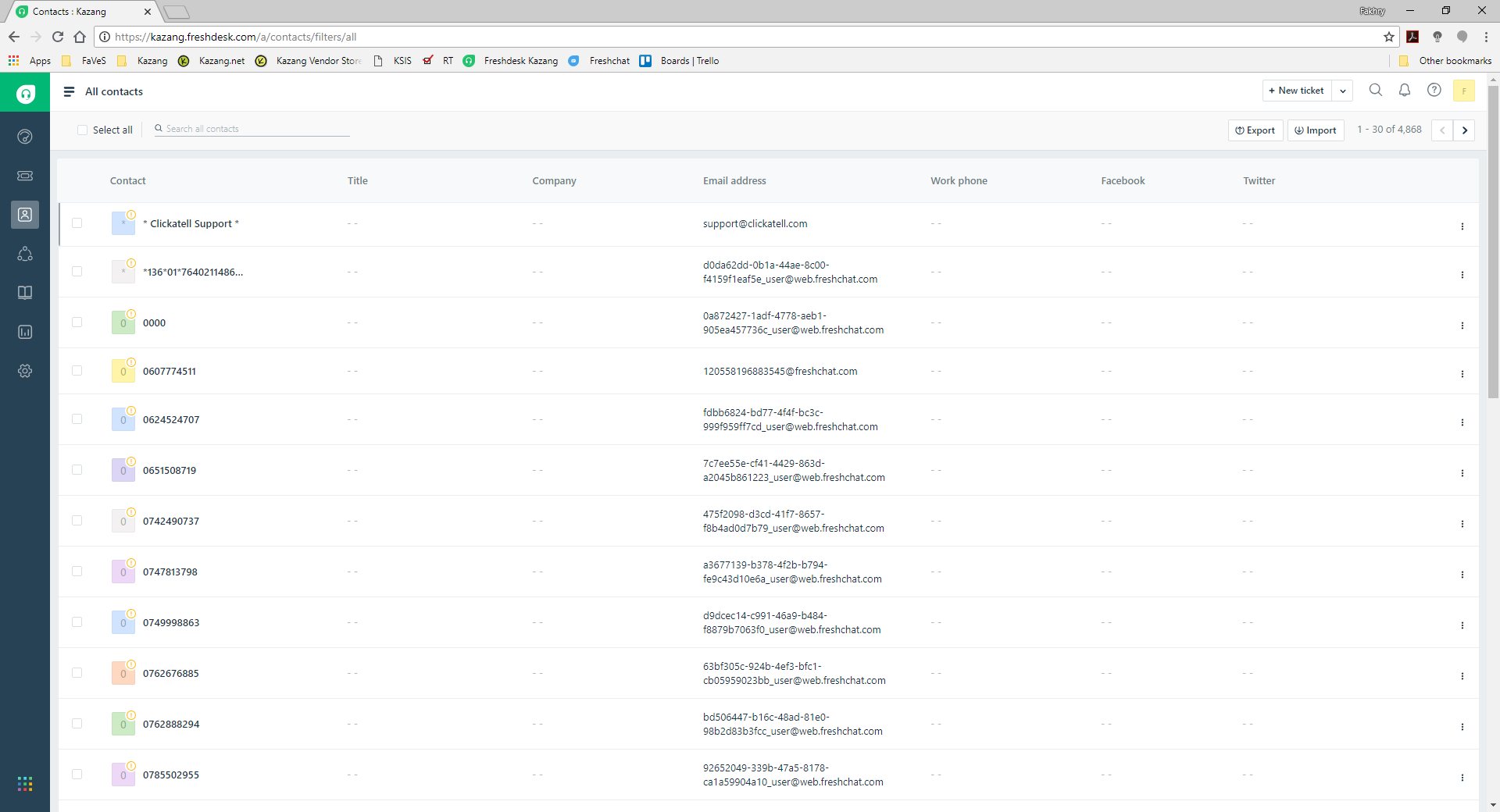
As you can see above, all client’s info is listed.
Admin:
Here is where the administrator of the site can configure FreshDesk as needed.
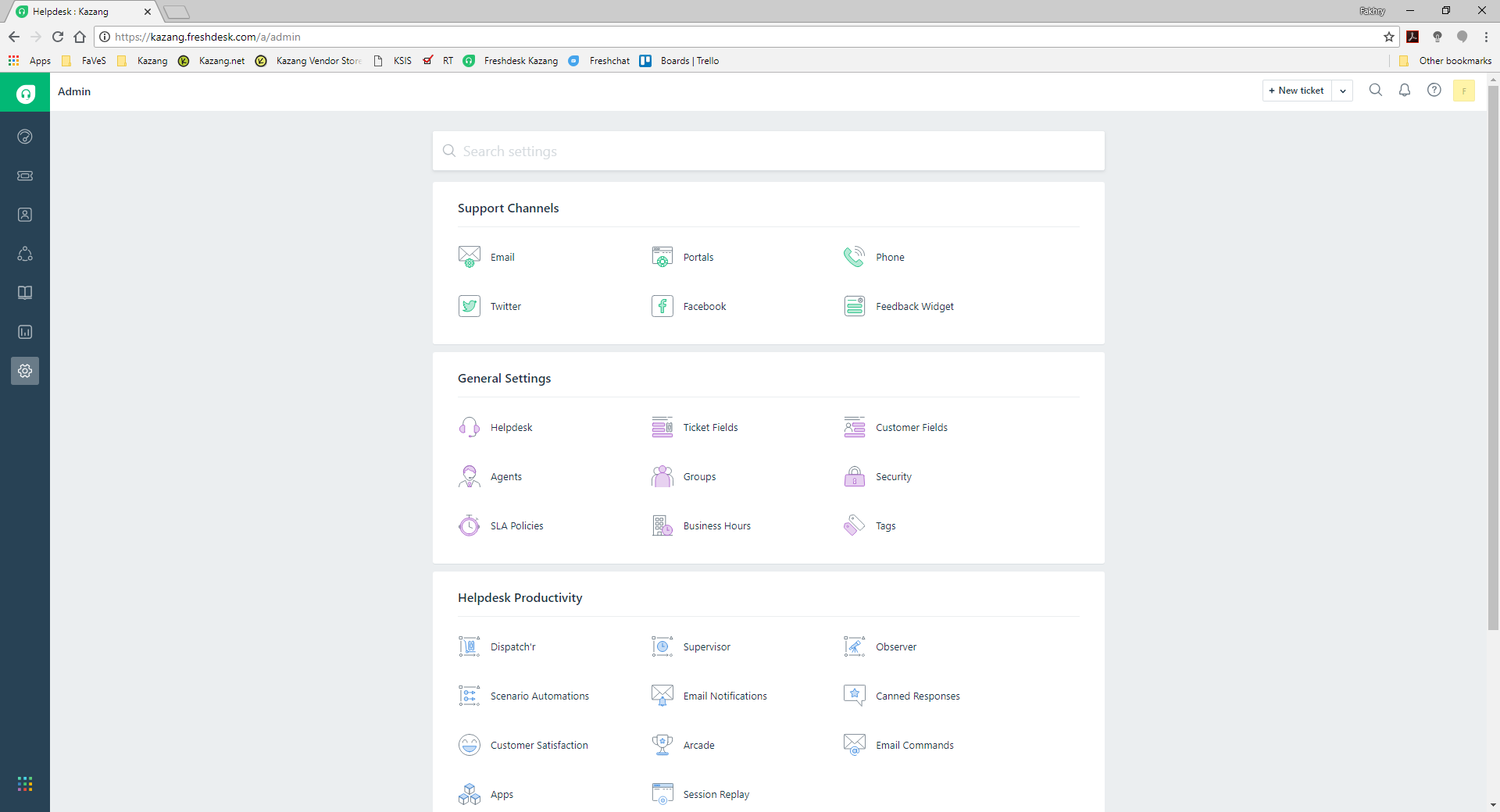
The Administrator can configure FreshDesk.
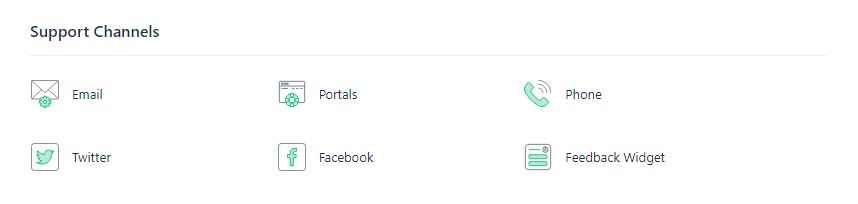
Support Channels:
This is where the Administrator can configure Email Accounts, Portals, Phone, Twitter and Facebook, Feedback Widget and Mobi Help.
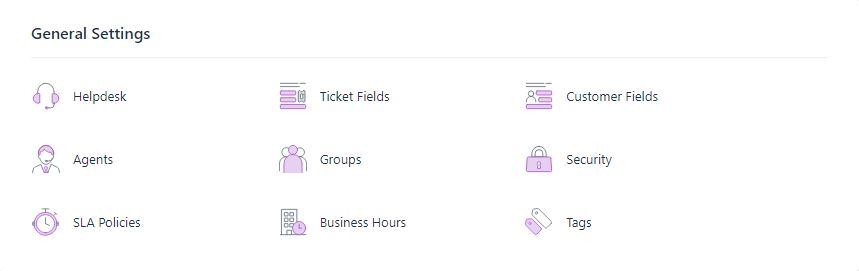
General Settings:
This is where FreshDesk settings can be changed to suit the needs of the business such as Helpdesk, Ticket Fields, Customer Fields, Agents, Groups, Security, SLA Policies and Business Hours.
Agents:
Here the administrator can View and Create and Delete Users on FreshDesk
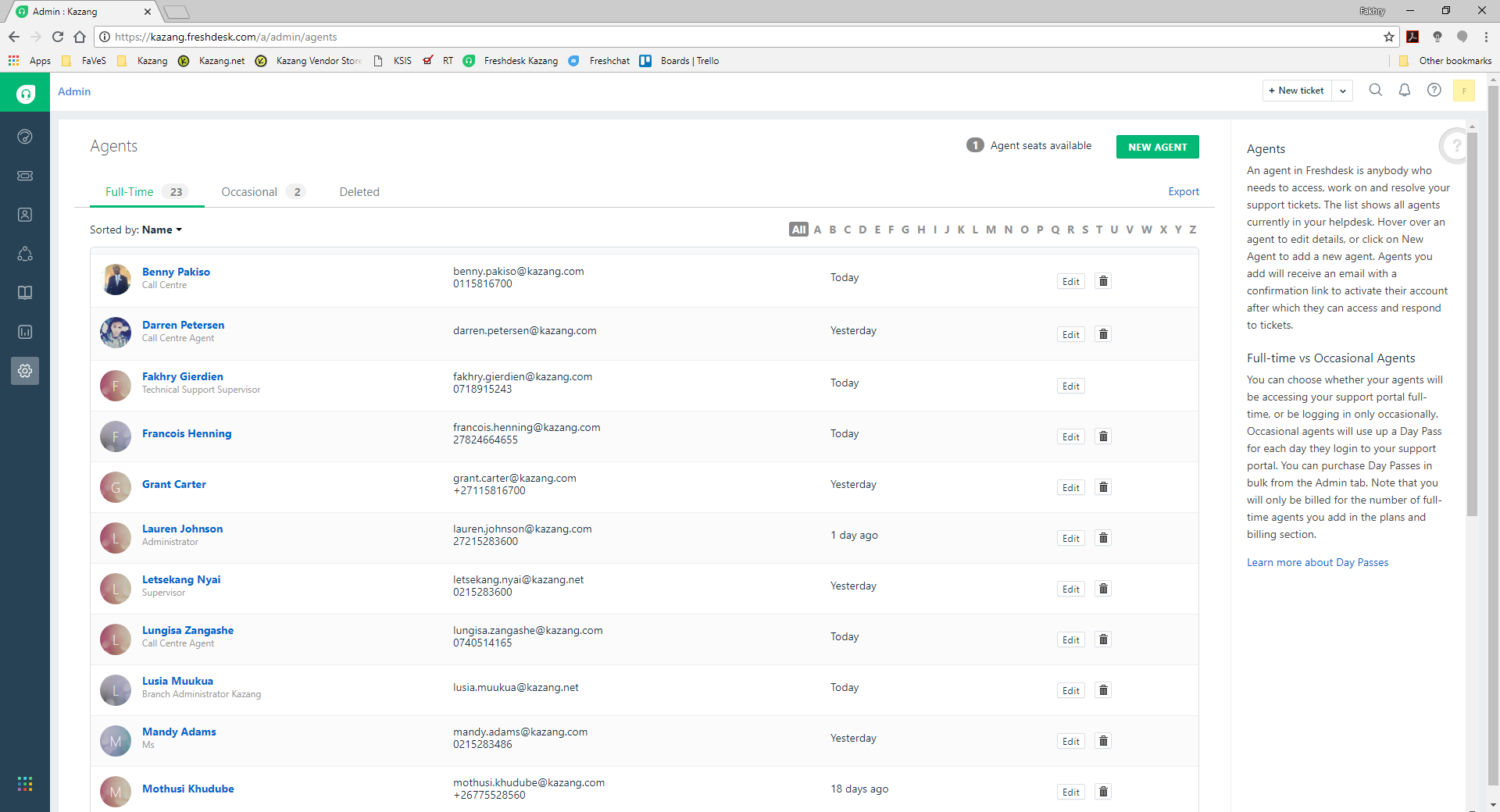
All users are listed and can be edited and deleted. Click on NEW Agent to create another user.
.
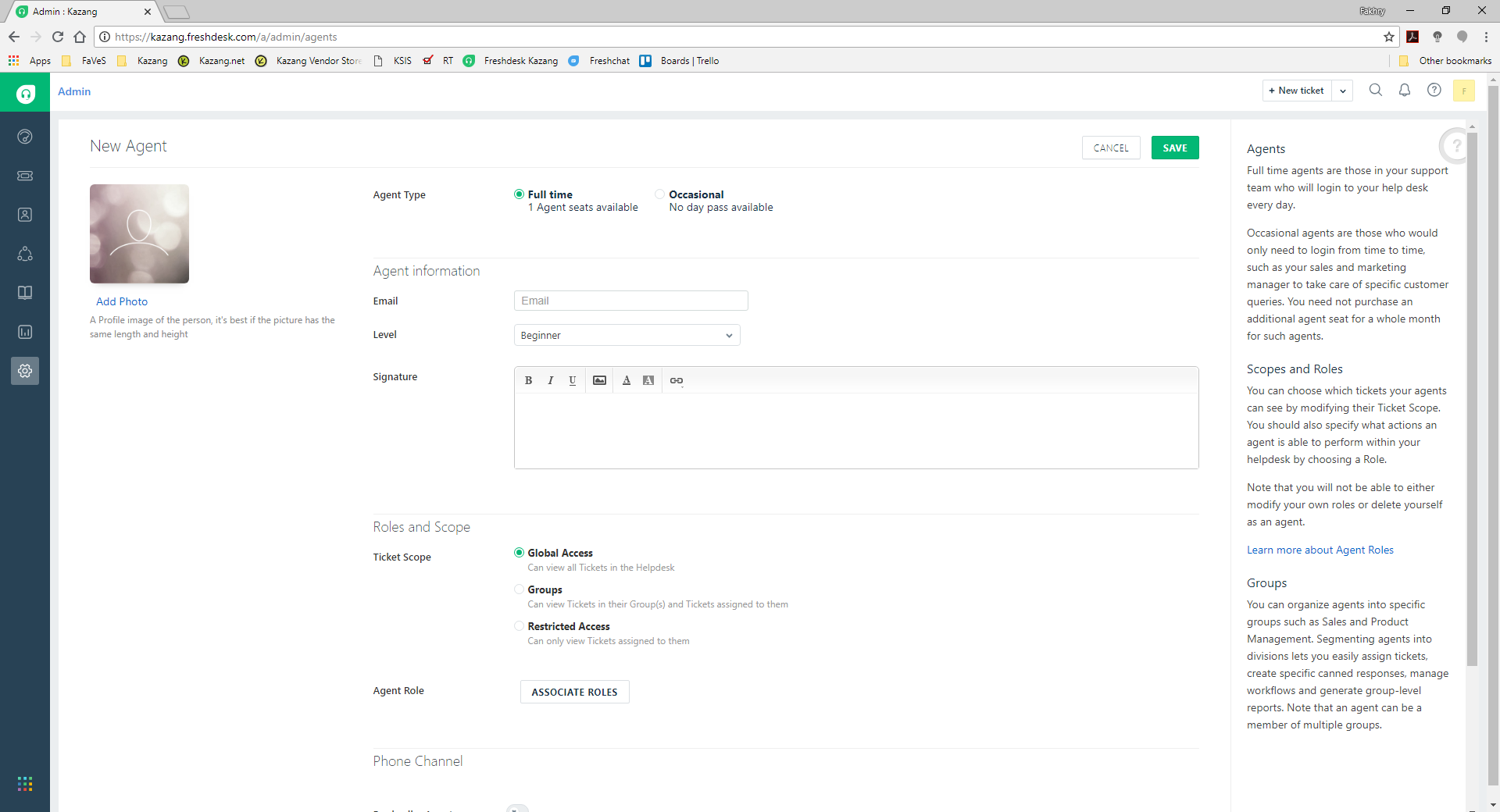
Once you have selected to create a NEW Agent, you then need to complete all the details.
AGENT INFORMATION: Name, Surname Email, etc
ROLES AND SCOPE: This is where you can limit what the user can view. You can also select the Role such as Admin, Agent, etc to limit the permissions for this user.
GROUPS: This is where you link the User to the Groups
Once you have completed this an email will be sent to the user with follow up instructions.
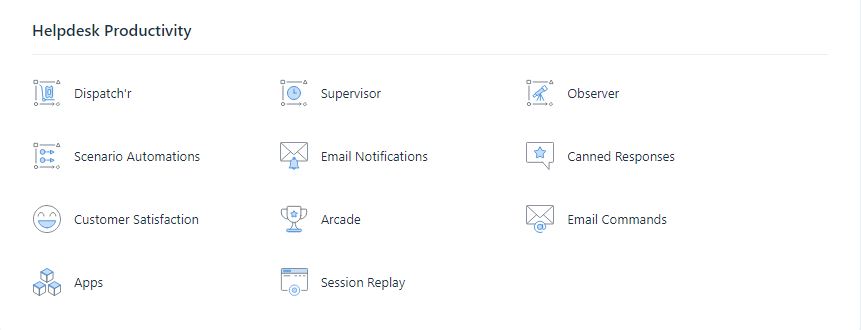
Helpdesk Productivity:
FreshDesk has many other functions which can also be edited here.
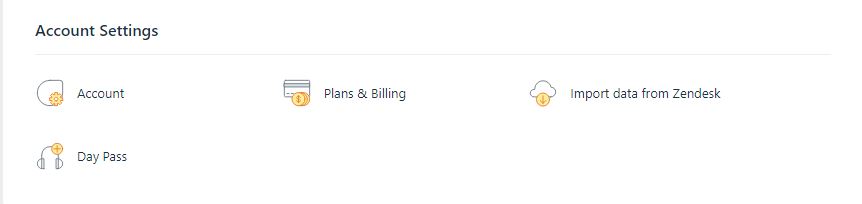
Account Settings:
FreshDesk account settings can be configured here.
Was this article helpful?
That’s Great!
Thank you for your feedback
Sorry! We couldn't be helpful
Thank you for your feedback
Feedback sent
We appreciate your effort and will try to fix the article