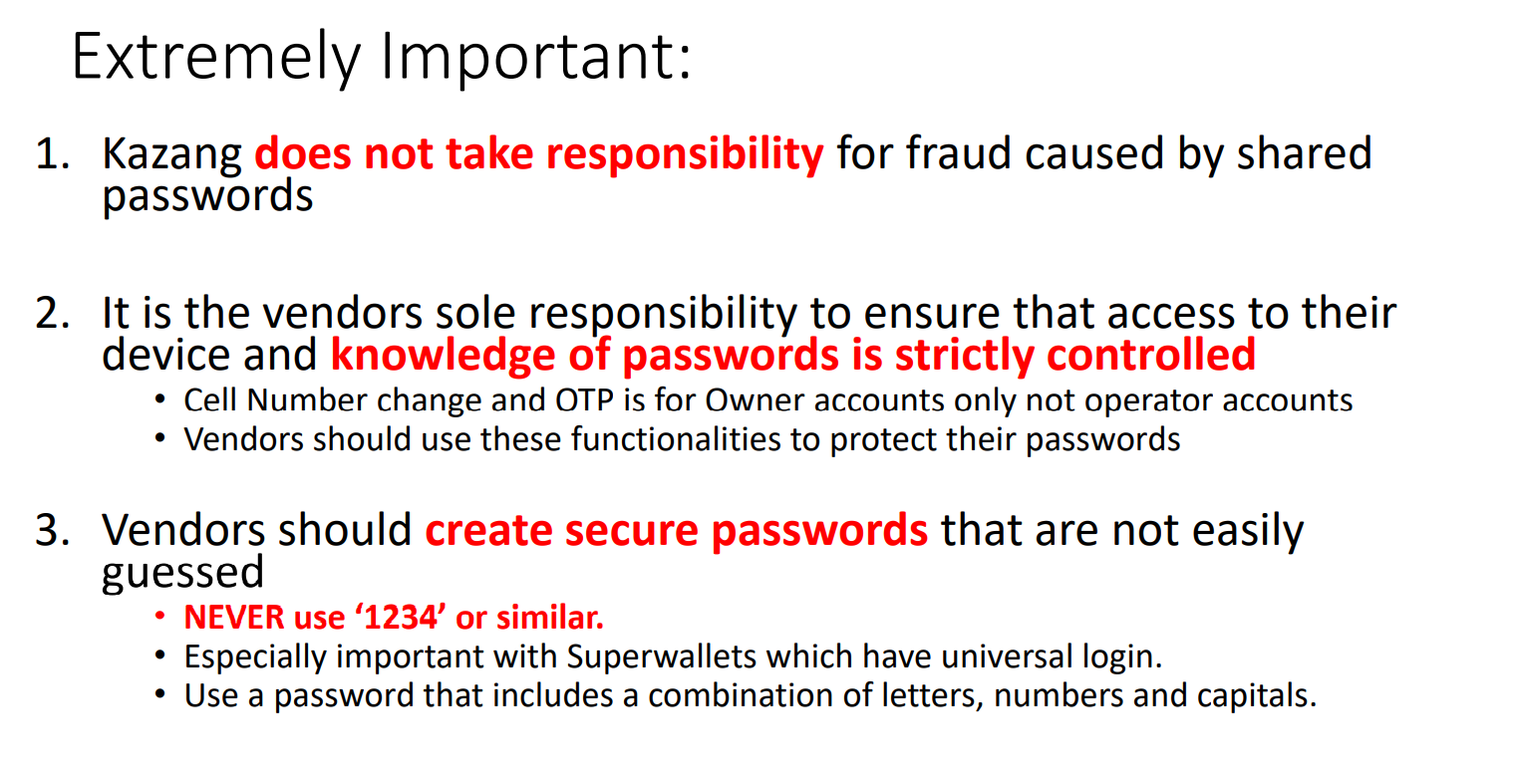
We have enabled our vendors to update their own contact details through the Kazang Application that is loaded onto their device. The steps on how to do this is set out below.
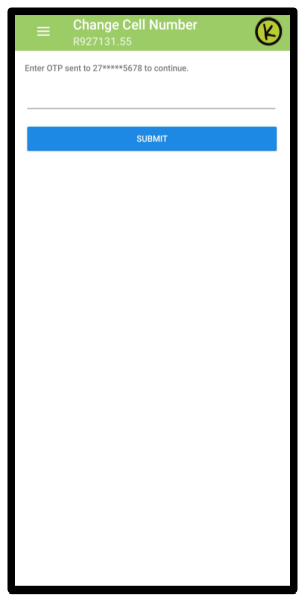
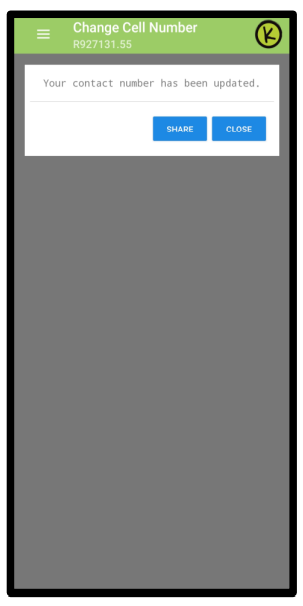
1. Click on the security icon and then follow the steps highlighted in the pictures

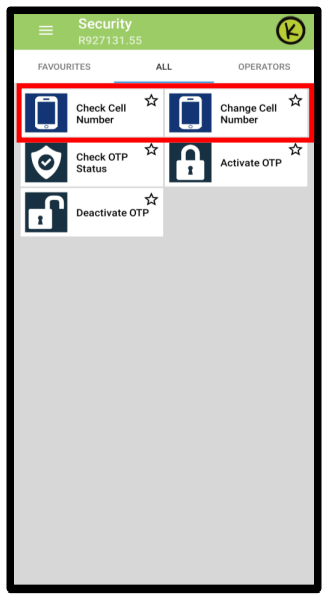
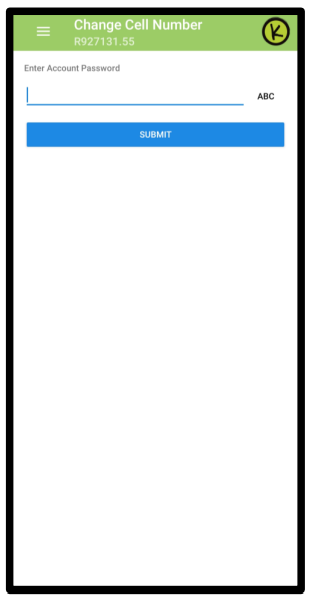
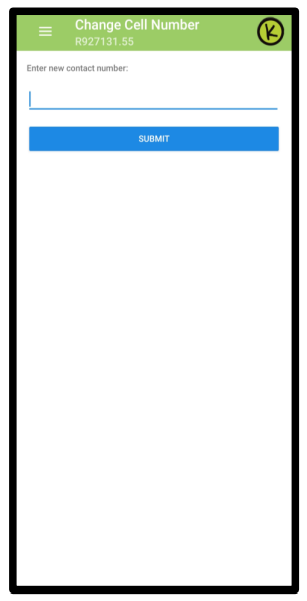
An OTP will be sent to their current cell number on
the account (This means they will need to have access
to the current number listed on the device)

*Have we missed anything in this article?
Email jason.ariefdien@kazang.com should you need any more information to be added onto this article.
Was this article helpful?
That’s Great!
Thank you for your feedback
Sorry! We couldn't be helpful
Thank you for your feedback
Feedback sent
We appreciate your effort and will try to fix the article