Example of the error
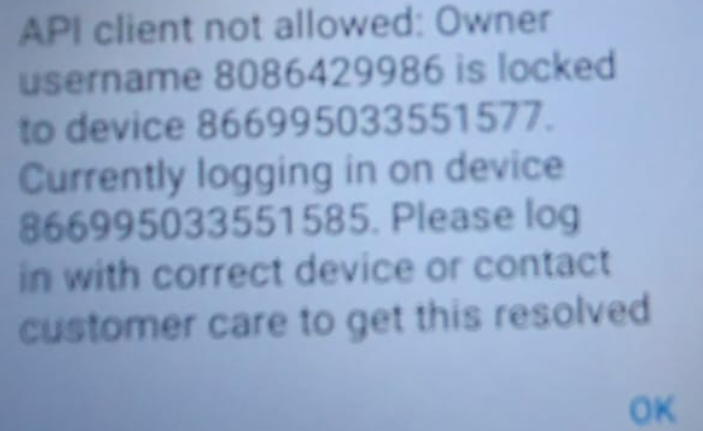
The device has a Sim Switcher APP installed which is causing this issue. We suggest uninstalling the APP on the Home screen (Sim Switcher) by holding on the APP and drag it to the trash/bin icon on the top right. then restart device and try again.
In some instances, the device may still be linked to SIM 2 and not SIM 1, to fix this go to:
Settings -> Network & Internet -> SIM Cards -> Select the Preferred SIM for Cellular Data
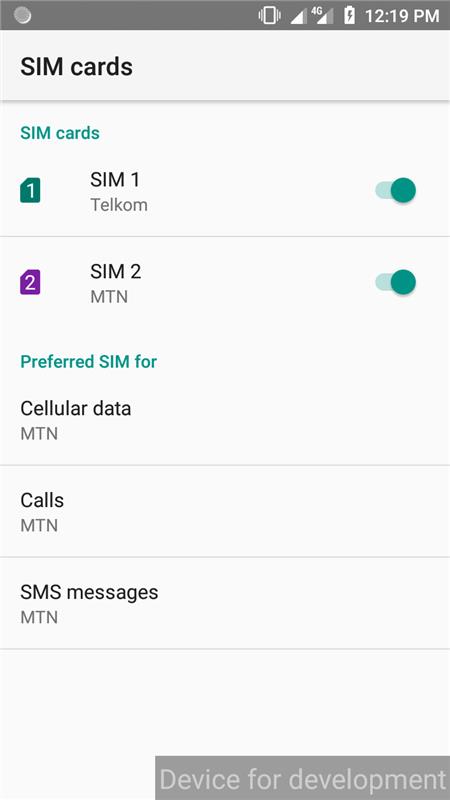
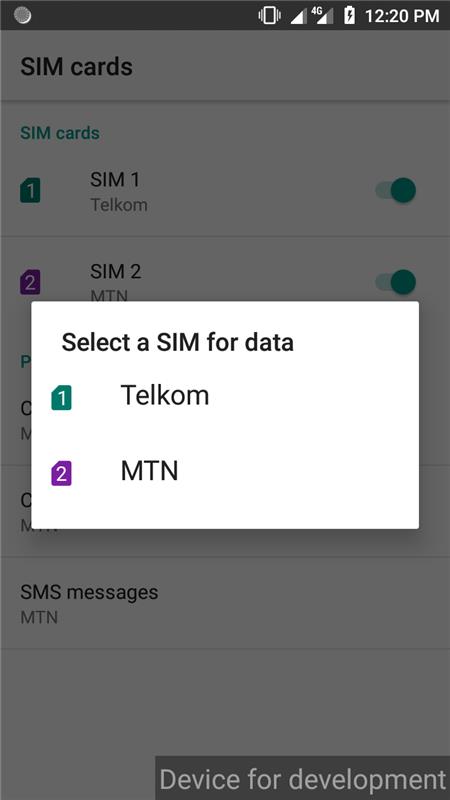
If there is no connection, then check the APN:
Settings -> Network & Internet -> Mobile network
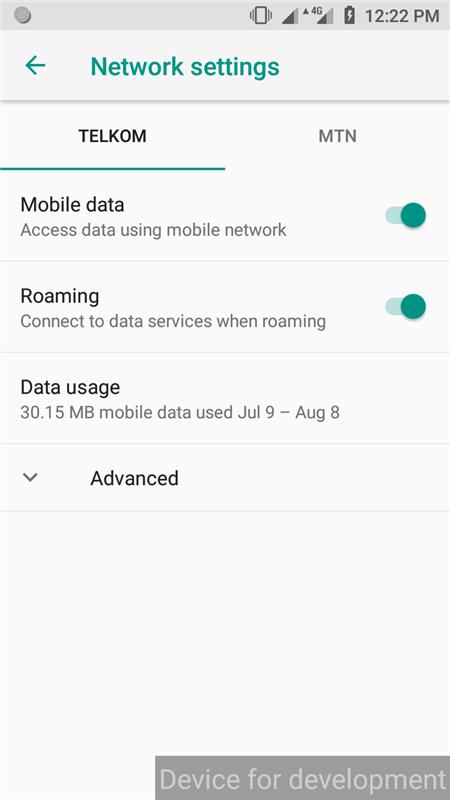
Press ADVANCE – Access Point Name
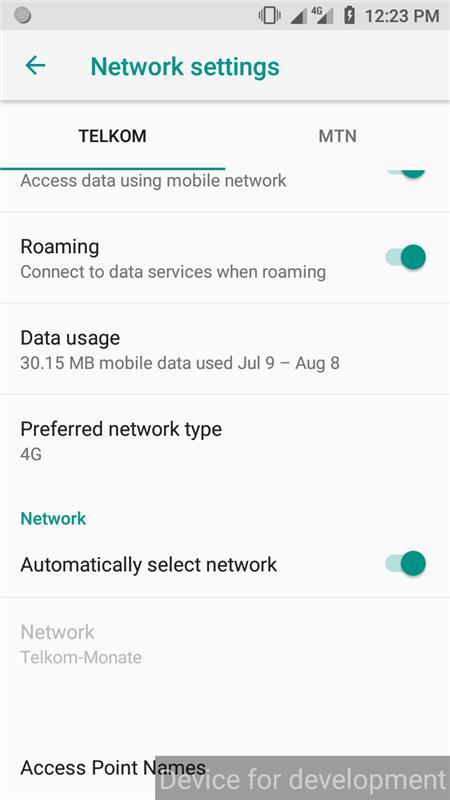
If none is there or no Kazang, close the Kazang app and reopen. It will create one.
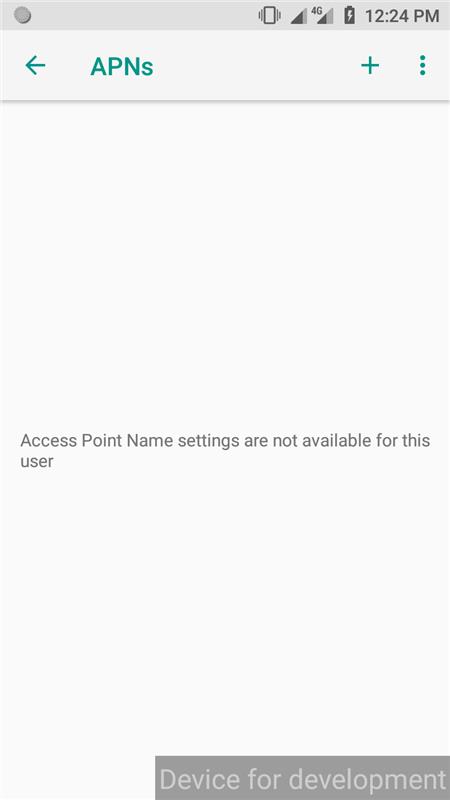
After opening the app with the Telkom SIM card as preferred data: (Sim 1)
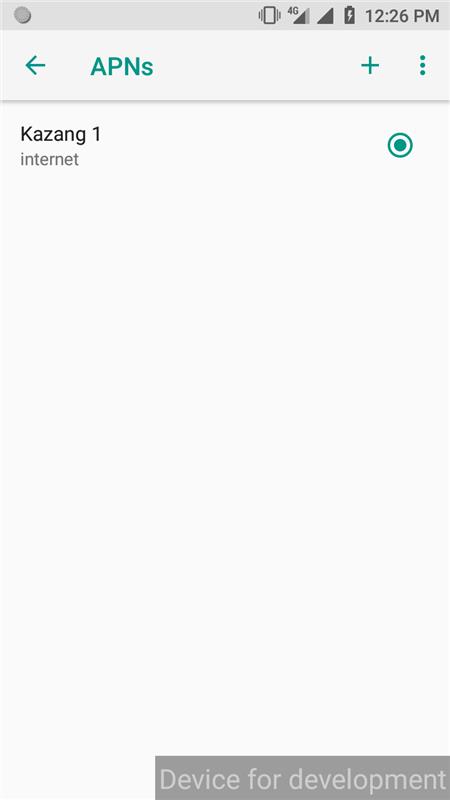
Restart device.

Please send us an email at operationssupport@kazang.com if you need anything to be added to this article.
Was this article helpful?
That’s Great!
Thank you for your feedback
Sorry! We couldn't be helpful
Thank you for your feedback
Feedback sent
We appreciate your effort and will try to fix the article