
ENABLING AND DISABLING BARCODE PRINTING IS NOW AVAILABLE ON CR PRO.
OVERVIEW
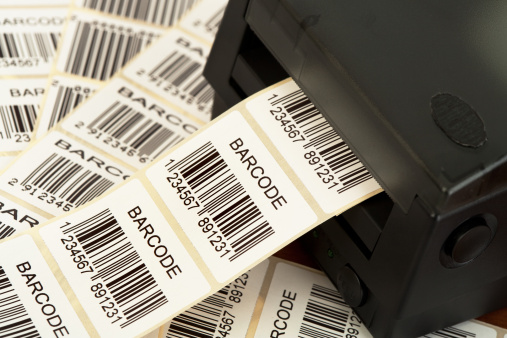
Barcode printing is a function that encodes product information into bars. This function makes it easier for merchants to convert items info into useful information for their records/ reports. This function is applied on all products sold from our terminals and can be scanned with any type of scanner a merchant uses.
QUALIFYING CRITERIA.
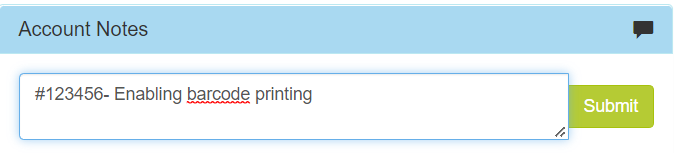
There are no qualifying criteria for this function it can be requested by any merchant who needs it and can be requested through all our platforms however a ticket must be created for telecom requests and ticket record must be added on the accounts CR notes.
HOW TO ENABLE OR DISABLE BARCODE PRINTING ON CR PRO SIDE?
Step 1
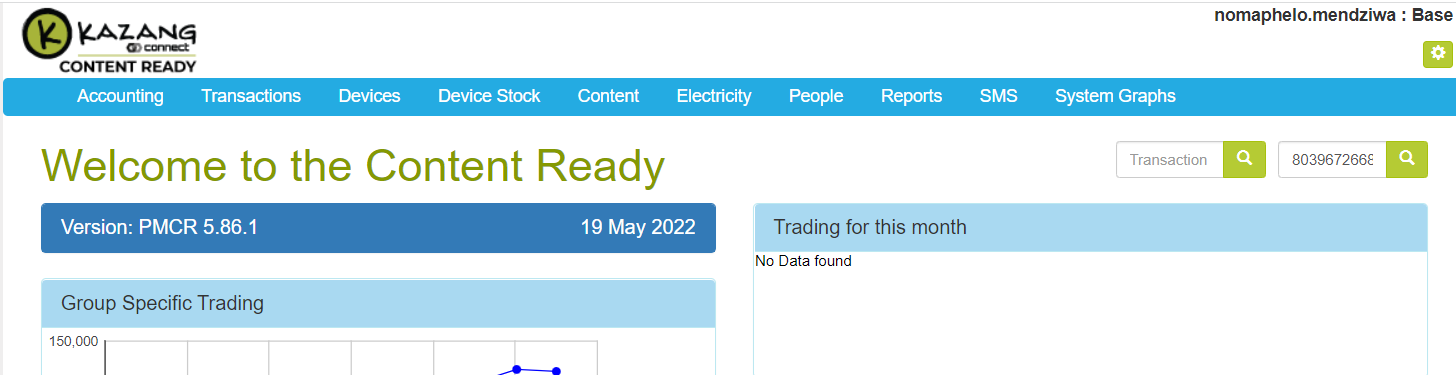
Filter with merchant’s reference number under “ACCOUNT” on the home page
Step 2
On the merchants account select the group edit pencil icon.
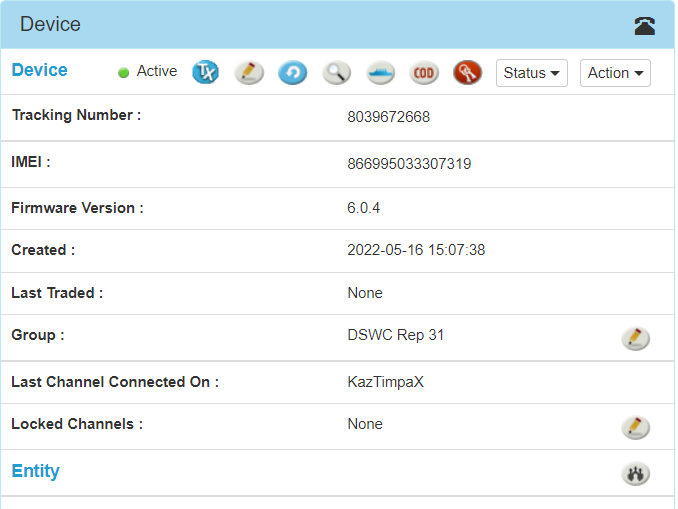
Final step
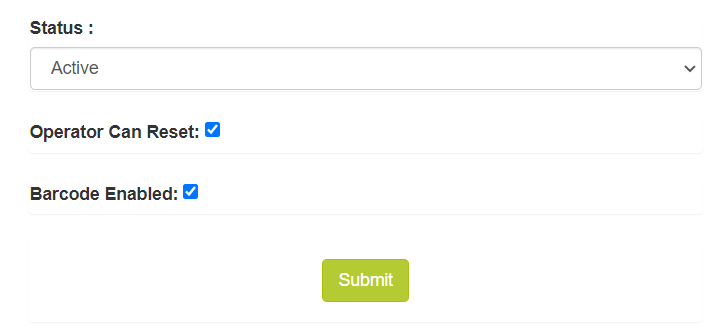
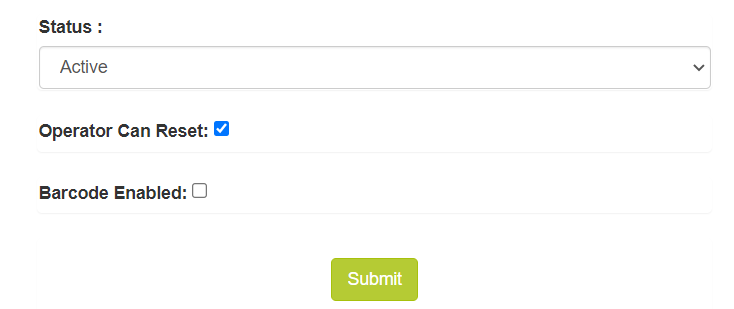
Scroll down to the editing status section and tick the barcode box to enable and untick the box to disable and submit.
-Enable
-Disable
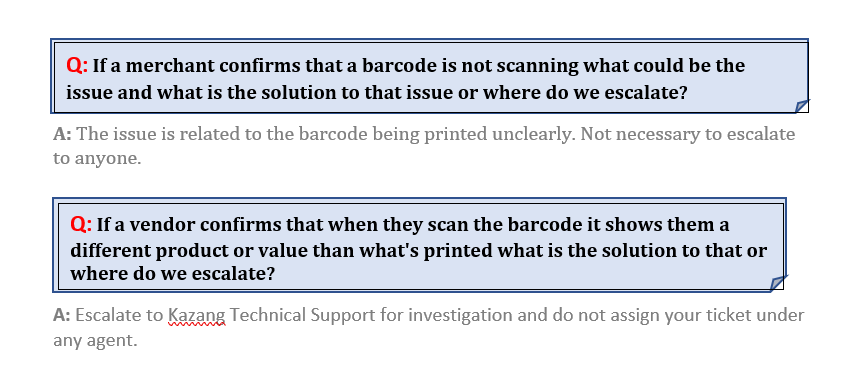
FAQ’s


*Have we missed anything in this article?
Email nomaphelo.mendziwa@kazang.com should you need any more information to be added onto this article.
Was this article helpful?
That’s Great!
Thank you for your feedback
Sorry! We couldn't be helpful
Thank you for your feedback
Feedback sent
We appreciate your effort and will try to fix the article