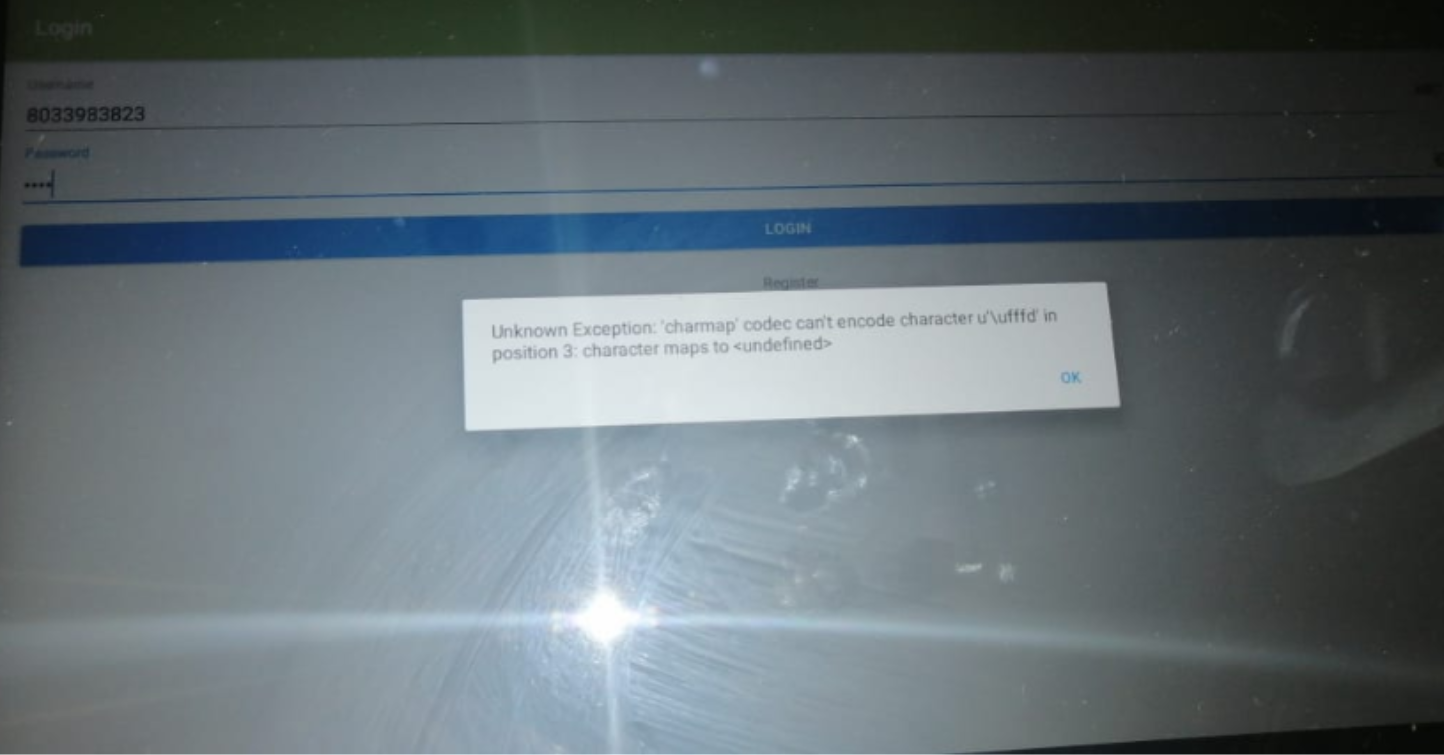
STEP 1 When getting this Error you need to Make sure that the Company Name has no special characters
Below are the Example that is Causing the Error
(Lucy`s Tuckshop,) (Lucys&Sons Tuckshop,)
STEP 2 Remove all special Characters and Leave the Name as Simple as Possible
STEP 3 Advise the customer what is the cause of the ERROR
As on the slip, the Name will be changed.
STEP 4 Advise the customer to go into settings
- Click to Apps
- Find Kazang App
- Click - Storage
- Click - Clear data
Ask Customer to Reboot the Device
Once Done advise to Login
Was this article helpful?
That’s Great!
Thank you for your feedback
Sorry! We couldn't be helpful
Thank you for your feedback
Feedback sent
We appreciate your effort and will try to fix the article