This solutions article will provide you with the key and vital information around supporting and escalating queries for DSTV payments that go through the Moment system.
Overview
Kazang has now partnered with Moment to assist in updating the way we process payments for DSTV Pay by Card completed by our vendors through our devices. This partnered change will be that we will be moving away from the wait time for the POS to send through the final confirmation receipt before confirming the payment to Moment via a call.
Kazang will be handling the accounting element by sending the payment to Moment, generate the receipt and send the receipt to the POS. With this change, the POS will still send the final receipt confirmation but ultimately all that will happen is the status of the transaction will be updated from “Successful and awaiting receipt confirmation” to “Successful”. In both instances, the transaction will be successful and Kazang will be making the payment to Moment.
What if vendors are experiencing errors?
Should any of our vendors experience any errors during the transaction, it is up to the vendor to do a transaction history query to see if the transaction was completed. If the transaction was completed, the vendor is required to request payment from the customer.
It is important to note that there is no option to reverse the transaction from the frontend of Content Ready as the payment has been completed to Moment from Kazang.
Should a legitimate scenario arise where the transaction needs to be reversed, this will need to be done by reimbursing the vendor using some other mechanism. Kazang will also only reverse the transaction once confirmation has been received from Moment that the transaction can be reversed on their/Multichoice end.
How do I report an issue?
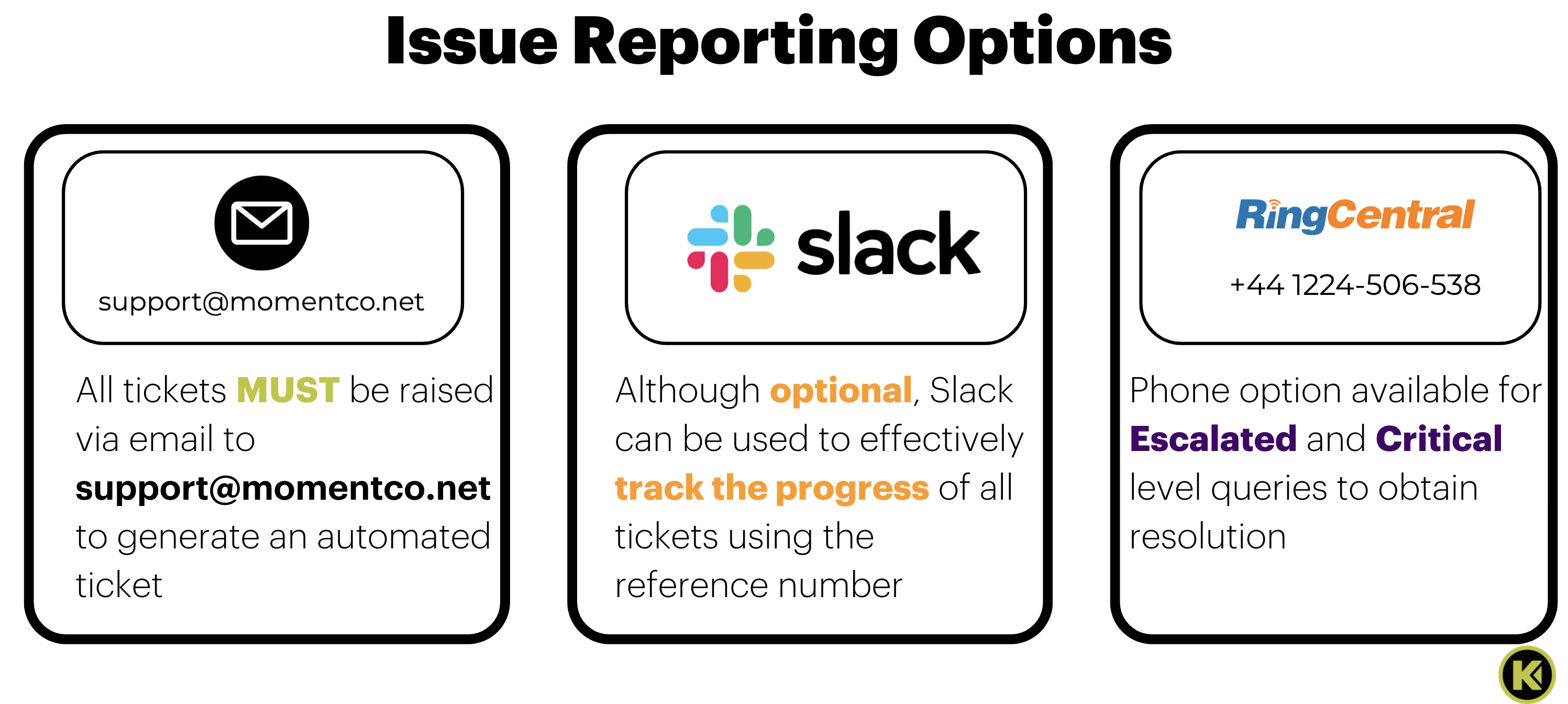
All issues should be reported via email at support@momentco.net which generate an automated ticket. As a recommendation, add the ticket raised on Slack (where applicable) to ensure sufficient tracking and communication.
There is phone support available for escalation purposes.
What is the escalation process for support tickets?
In all efforts to provide comprehensive support to our vendors, an established structure of support has been laid out to handle the various query and issue types that may be received. Below outlines the responsibilities of the different teams and who has been set as the primary point of contact based on the query type.
Issue Category | Initial Point of Contact | Support Team Responsible |
Technical Issues | Vania Jeffe Norbert (Technical Account Manager) Bogdan Fagaras (Sales Engineer) Anjali Menon (Technical Account Manager) | Technical Account Management |
Fraud and Compliance | Teresa Ratemo (Senior CompOps Analyst) | CompOps |
Reconciliation and Settlement | Ayodeji Obilomo (Senior FinOps Analyst) | FinOps |
What is the escalation process if the original ticket is unresolved?
The below outlines the escalation flow in the event the original ticket query is required to be escalated further for effective resolution:
It is important to always ensure that we have attempted to resolve the query by utilising all the tools available before following the escalation process below.
Issue Category | Contact | Escalation 1 | Escalation 2 |
Technical and Implementation Issues | Moment Support support@momentco.net | Moses Adesina (Solutions Architect) moses@momentco.net | Raj Agrawal (Director of PMO) raj@momentco.net Ahmed Omarjee (Chief Technology Officer) ahmed@momentco.net |
Fraud and Compliance | Moment Support support@momentco.net | Teresa Ratemo (Senior Compliance Operations) teresa@momentco.net | Nneka Nwaka (Chief Compliance Officer) nneka@momentco.net |
Reconciliation and Settlement | Moment Support finops@momentco.net | Ayodeji Obilomo (Senior Financial Operations) ayodeji@momentco.net | Asad Siddiqui (Director of Finance) asad@momentco.net |
What is the SLA response time for all tickets raised into Moment Support?
Our goal is and will always be to meet or exceed the SLA standards outlined for issue resolution. Key factors to achieve these standards are open communication and collaboration to ensure that all issue handling is efficient.
Below is not only the definition of each SLA category but to the issue type resolution period.
It is important to note that the SLA resolution periods below are always subject to review and amendments.
SLA Definitions
Severity Level | Description |
Severity 1 (Critical) | A critical issue affecting all users, leading to a complete business outage or a significant business impact. i.e. complete failure of payment processing, widespread security issues, or total inaccessibility of essential services. |
Severity 2 (High) | A major issue affecting a significant portion of users or critical functionalities, though not causing a complete outage. i.e. degraded performance in payment processing, issues with a major payment method, or serious bugs affecting multiple users |
Severity 3 (Medium) | A minor issue or query affecting a small number of users, or having a moderate impact on non-critical functionalities. i.e. minor bugs, usability issues, or questions about API integration |
SLA Response Periods
Severity Level | Identification (First response) | Temporary Fix | Permanent Fix | Root Cause Analysis (RCA) |
Severity 1 (Critical) | Within 30 minutes | Within 4 hours | Within 6 hours | Within 5 Business Days |
Severity 2 (Degraded) | Within 60 minutes | Within 6 hours | Within 8 hours | Not Applicable |
Severity 3 (Minimal) | Within 1 Business Day | Within 3 Business Days | Within 5 Business Days | Not Applicable |
Was this article helpful?
That’s Great!
Thank you for your feedback
Sorry! We couldn't be helpful
Thank you for your feedback
Feedback sent
We appreciate your effort and will try to fix the article